
Regression
A change breaks something that used to work. In prompt systems, this happens silently.
In one sentence
When a change breaks something that used to work. In prompt-based systems, regressions are silent and frequent.
Before
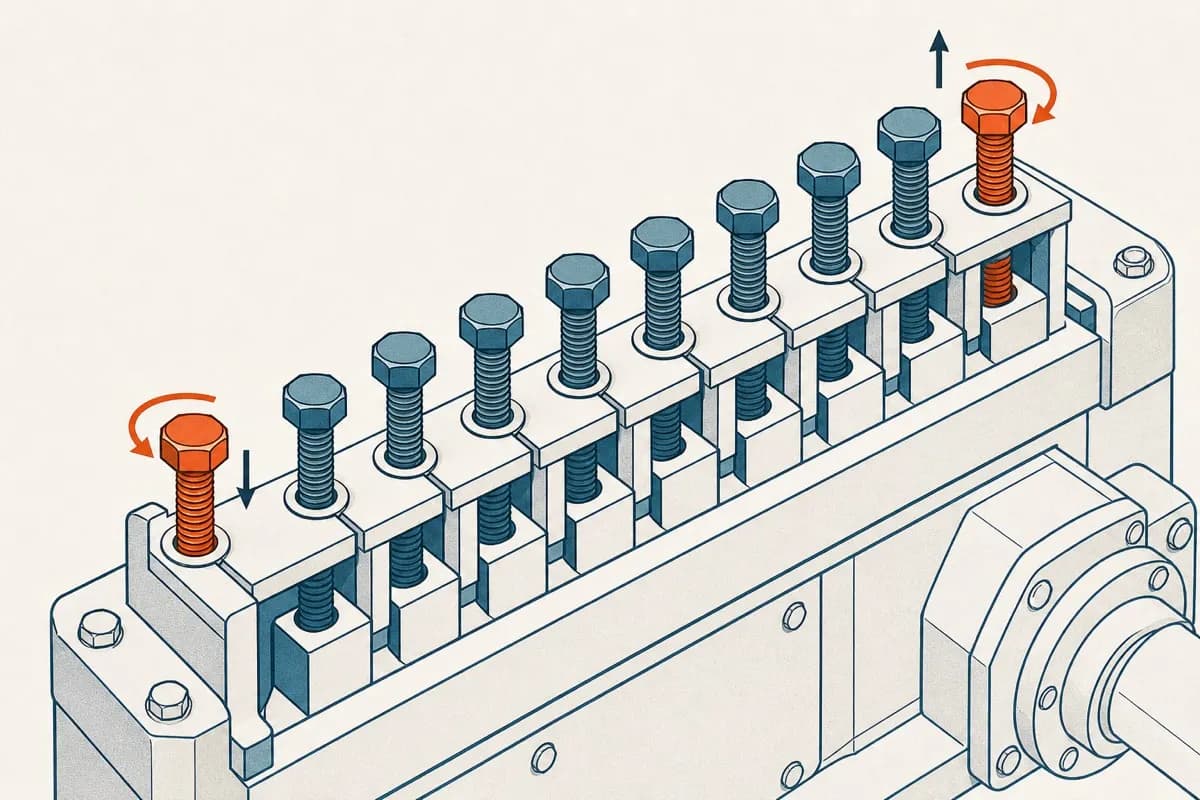
Small, localized change
What it does
Behavior changes where no one looked
After
The full suite reveals the break
Analogy
Tightening one screw and loosening another on the opposite side, without hearing a sound.
Example
Sponsors complained about the length of the letters. The team added one line to the prompt: "be concise".
The letters got shorter, but the agent also stopped calling the child by name in 40% of cases, writing "the child" instead of "Ana." No one noticed for three weeks, because the criterion they were tracking was length. A sponsor caught it, asking whether it was still the same child.
The common mistake
Testing only what you changed. The intuition from software ("I changed the length, so I test the length") does not apply here. The prompt is a single block: changing one instruction alters the model’s entire behavior, including dimensions you did not mention.
That’s why the rule is to run the full suite after every change, even if the change was just one word. Six minutes of suite time cost less than three weeks of searching for what broke.
In practice
- Run the full suite after every change to the prompt, tool, or model, and also when you changed nothing but the vendor updated the model underneath. That is the regression that catches the most people off guard.
- Keep the history of results by version. The regression shows up when you compare today’s number with yesterday’s.
- A simple dashboard showing "percentage by criterion over time" catches most cases.
- Every regression found becomes a new case in the golden dataset, so it doesn’t happen twice.
How to make it tangible
Run the full suite after every change and keep the history of results by version.
Connects with
Translated from Portuguese with AI assistance.